
Windows App (Mac Remote Access)
To work from home remotely on a Windows Terminal Server using a Mac we recommend using the program "Windows App" from the Apple App Store. It allows you to access to our internal services like network shares or licensed programs with a graphical user interface.
Installation
Install the program from the App Store.
Establishing the ssh tunnel
Open a terminal
Type:
ssh -L 33891:wts.cen.uni-hamburg.de:3389 u123456@login.cen.uni-hamburg.de
Accessing the windows terminal server (WTS)
Our WTS provides you with a Windows environment hosted internally at the CEN. There you will find all network shares you have access to, as well as preinstalled programs like Microsoft Office or Adobe Acrobat.
Start the newly installed Windows App and configure the connection as follows (replacing the u-number with your own).
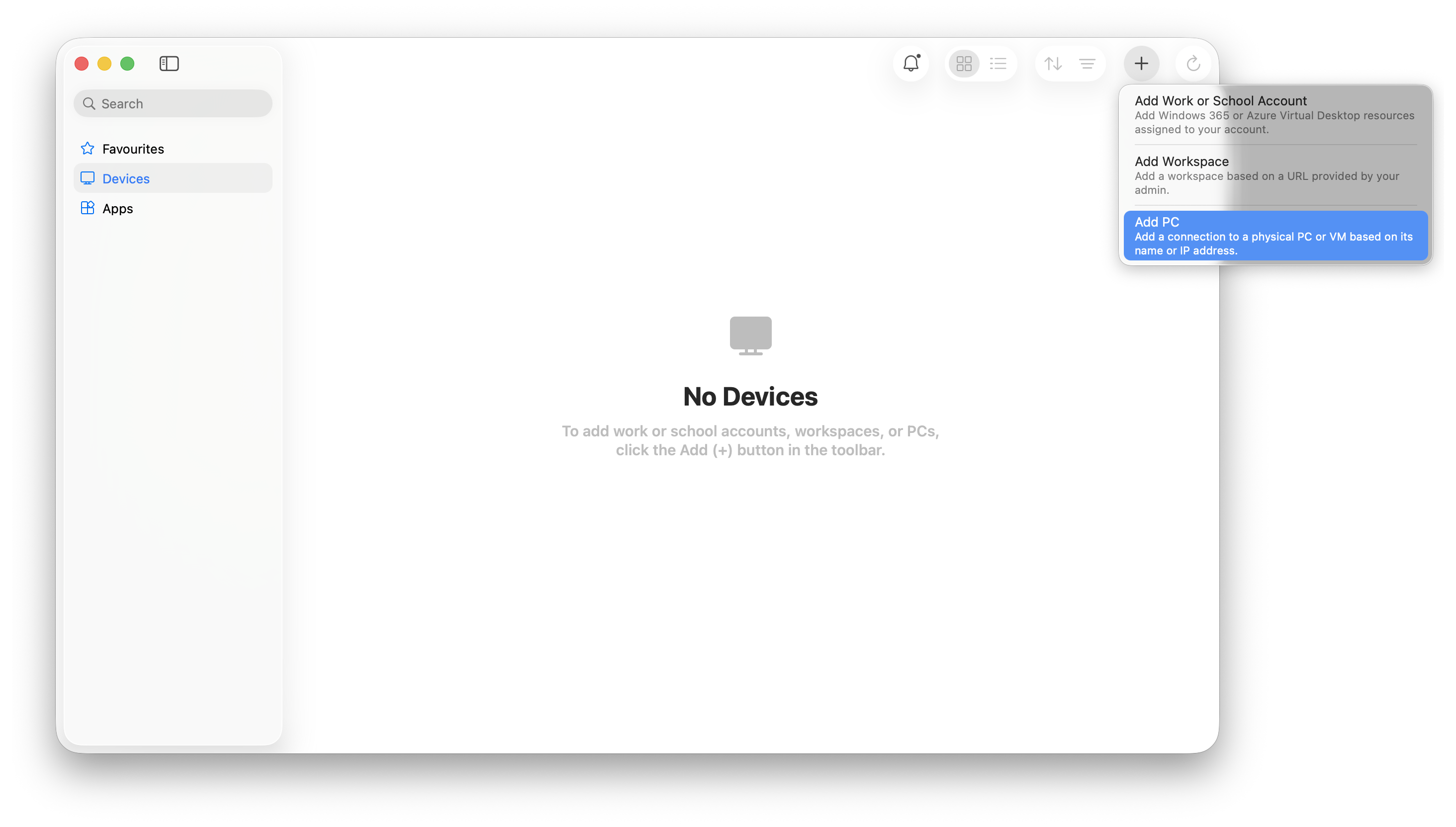
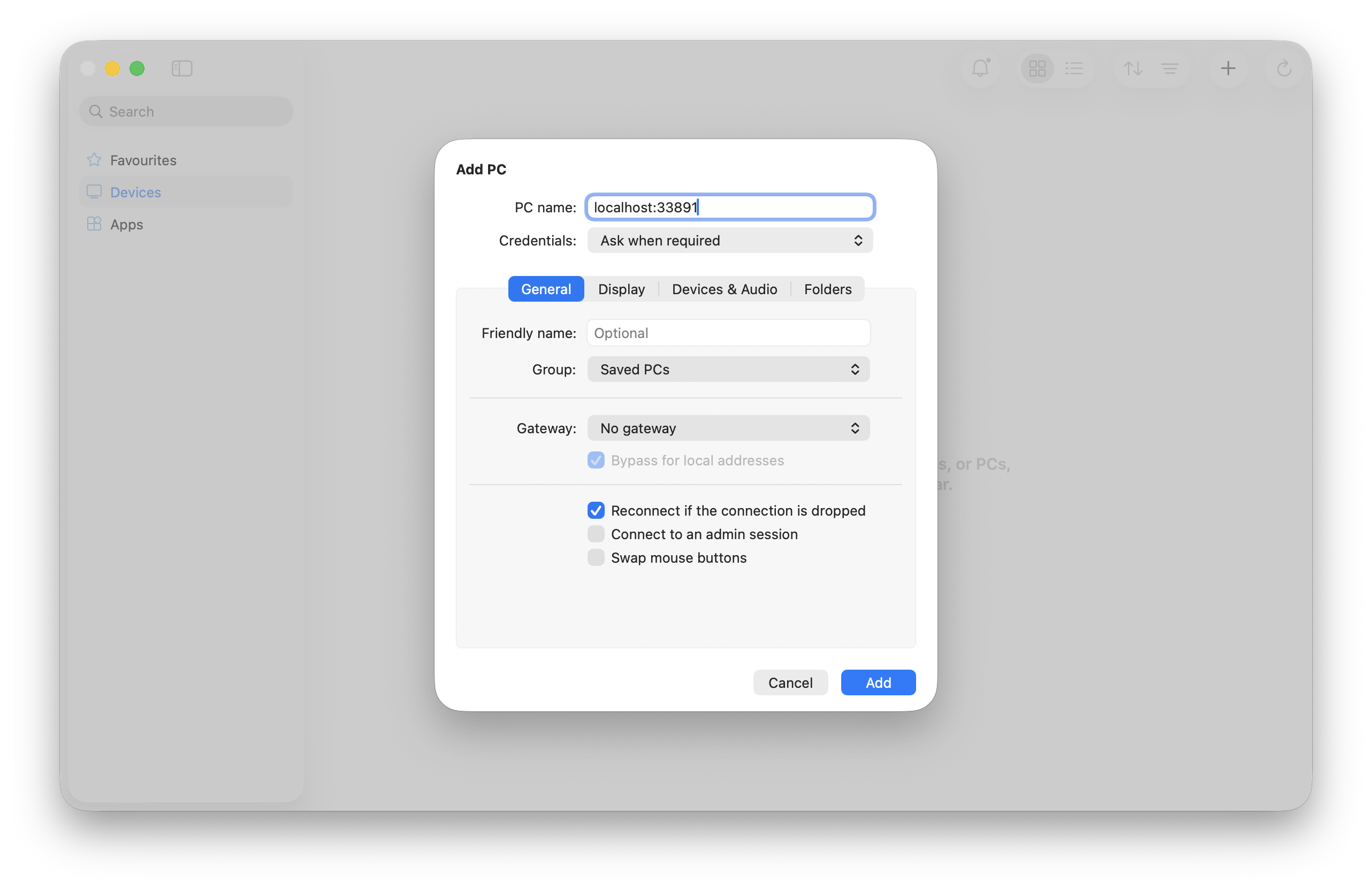
Add the connection to save the settings.
When connecting, you have to provide your username and password:
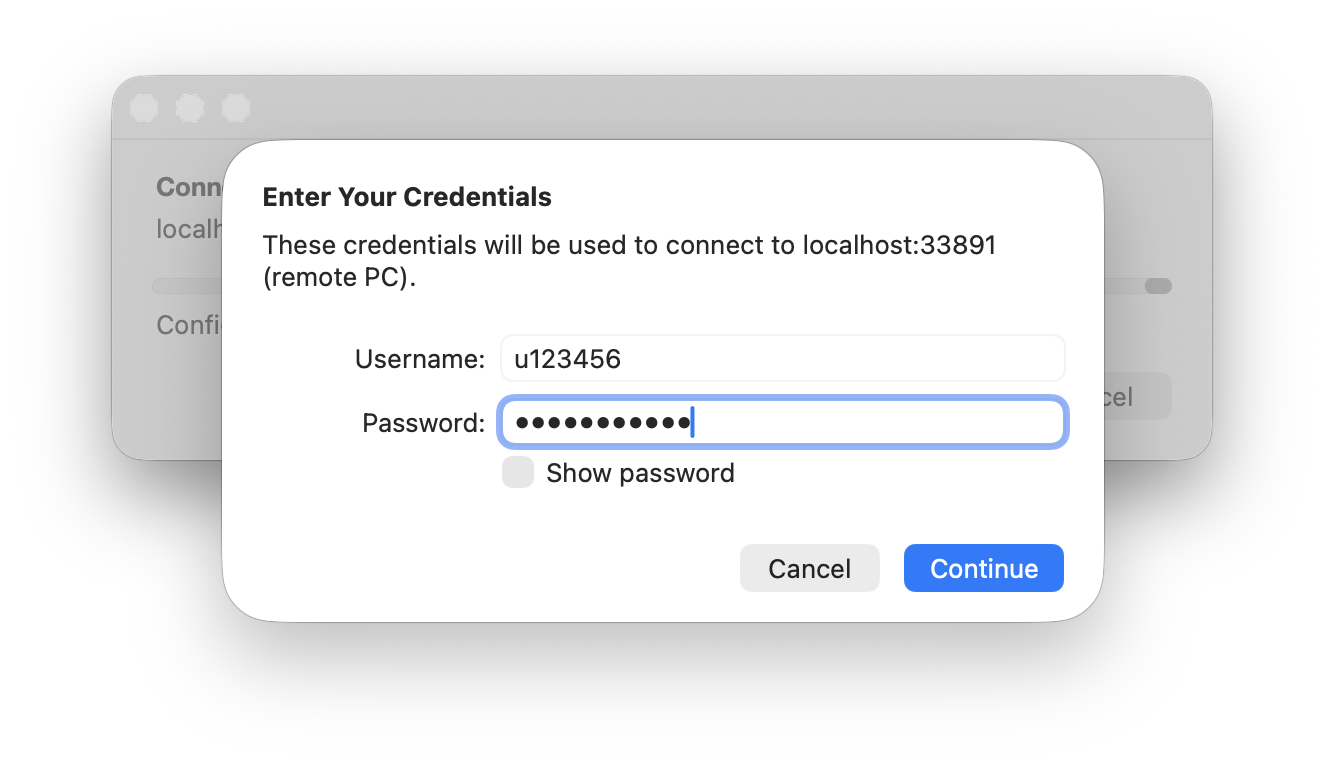
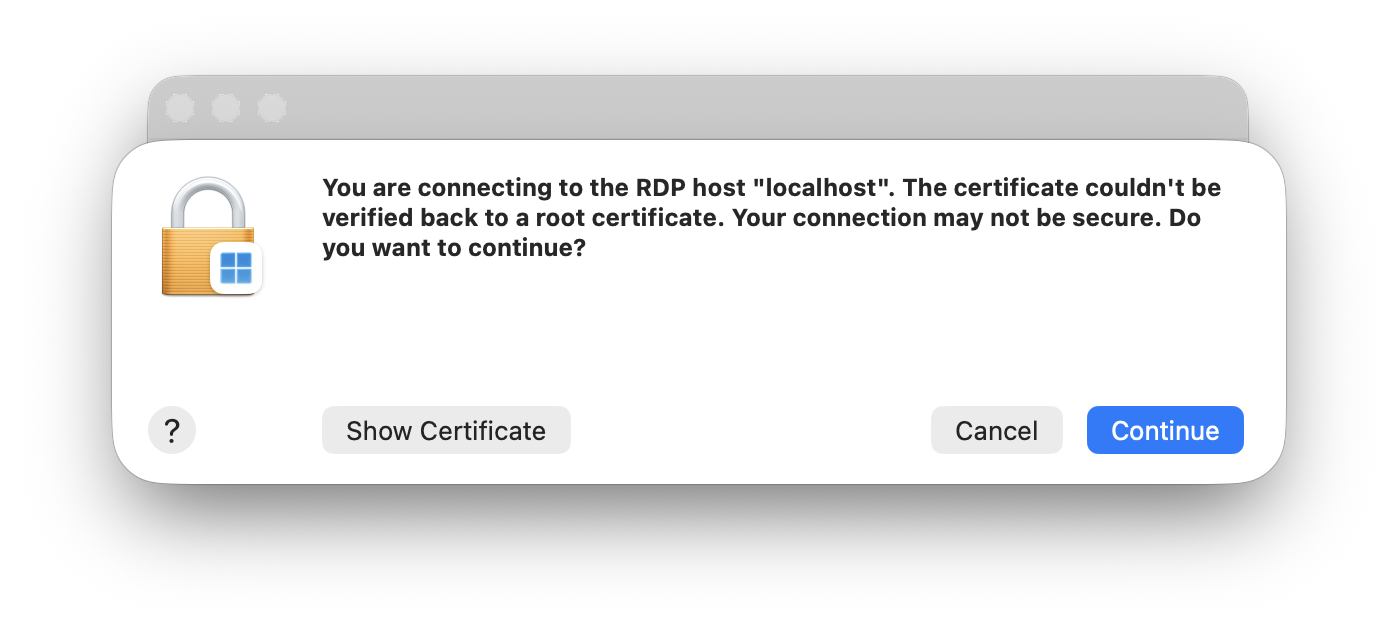
You can find a list of our public compute nodes here. Some institutes have additional servers available, please contact your supervisor for questions regarding those.